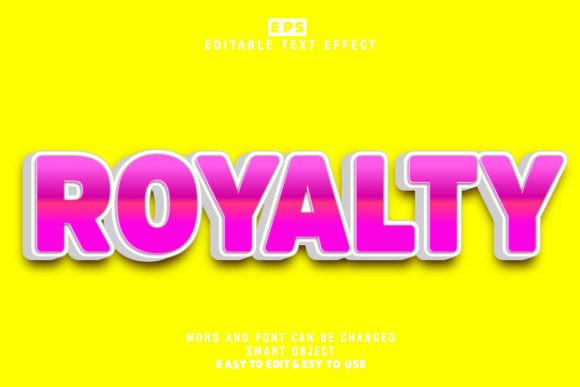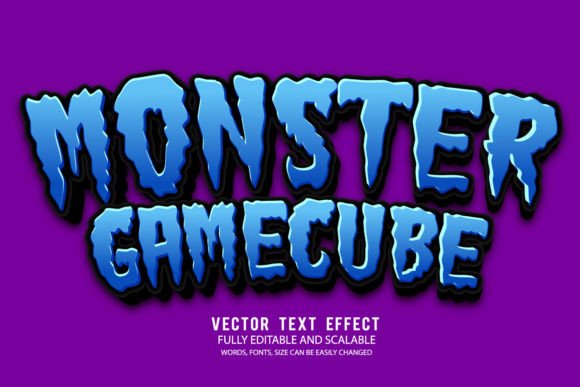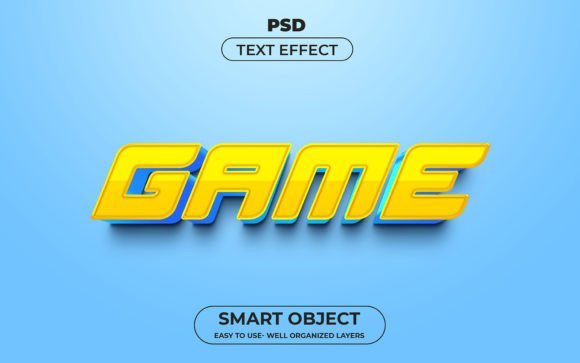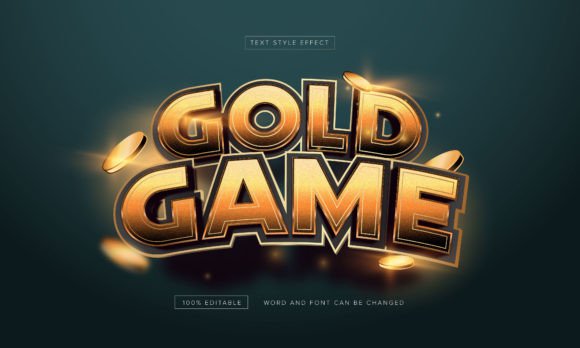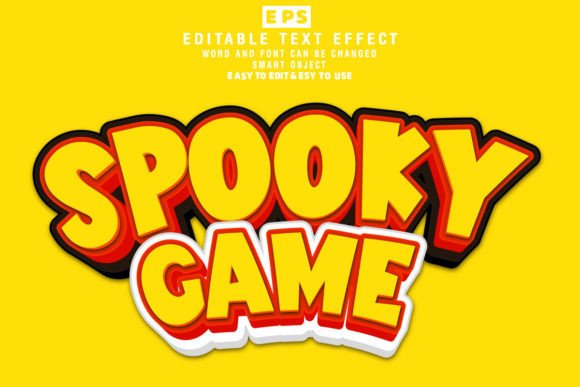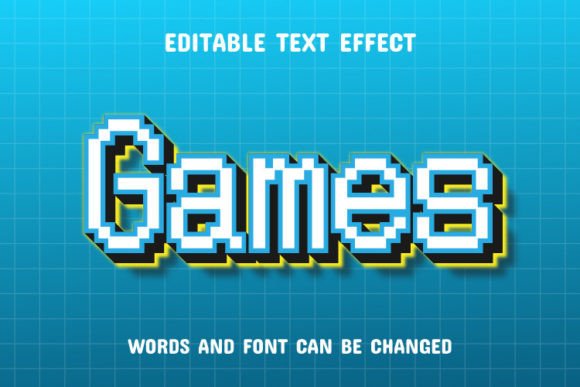
Game Pixel 3D Text Effect – Bring Your Words to Life
Creating eye-catching visuals is more important than ever, whether you're designing a logo, a game interface, or a social media post. The Game Pixel 3D Text Effect gives you the power to make your text stand out with a bold, dimensional look that's both modern and versatile. It's not just about style—it's about making your message pop in a way that grabs attention and communicates energy.
This text effect is designed for flexibility. Whether you're a beginner or a seasoned designer, you can easily apply a 3D pixel look to your words and customize them to fit your vision. With 100 editable variations included, the possibilities are nearly endless. You can tweak colors, depth, and layout to suit your specific project, whether it’s for print, digital, or web use.
What You Get and How It Works
When you download the Game Pixel 3D Text Effect, you receive both EPS and JPG files. The EPS files are compatible with Adobe Illustrator CC and higher, giving you full control to edit every detail. The JPG previews let you quickly see how your design will look without needing to open the full vector file.
Using this effect is simple: type your text, apply the style, and adjust as needed. You don’t need advanced design skills to make something impressive. The built-in presets help you jumpstart your creativity, and because everything is editable, you can fine-tune each element to match your brand or personal style.
Why Use a 3D Text Effect?
Text effects are more than just decorative—they serve a real purpose in design. A strong visual effect can make your message more memorable and help your content stand out in a crowded space. The Game Pixel 3D Text Effect is especially useful when you want to convey a sense of depth, motion, or playfulness.
- It adds dimension and realism to flat text
- Enhances visual hierarchy in designs
- Helps your content stand out on websites, banners, and posters
- Works well for logos, game titles, promotional materials, and more
Whether you're creating a poster for a gaming event or designing a banner for your blog, this effect helps you communicate your message with impact.
Perfect for a Variety of Projects
One of the biggest strengths of the Game Pixel 3D Text Effect is its adaptability. Here are a few practical uses across different fields:
- Marketing and Branding: Use it to create dynamic headlines for ads or social media graphics that draw the viewer’s eye.
- Web and App Design: Add depth to buttons, titles, or landing page headers for a more engaging user experience.
- Print Design: From flyers to posters, this effect adds a professional touch that elevates your printed materials.
- Game Development: Perfect for UI elements, level titles, or promotional assets in game design projects.
- Personal Projects: Whether you're designing a birthday card or a personal logo, this effect brings a polished, modern flair.
Who Can Benefit From This Text Effect?
Whether you're a beginner just starting out or a pro looking to streamline your workflow, the Game Pixel 3D Text Effect is a valuable tool. Freelancers can use it to deliver high-quality results faster. Small business owners can enhance their marketing materials without hiring a designer. Educators can create engaging visuals for presentations or learning materials.
Even if you're not a designer by trade, this effect makes it easy to create something that looks professionally crafted. The intuitive structure means you can start using it right away without a steep learning curve.
Things to Consider Before You Use It
While the Game Pixel 3D Text Effect is incredibly versatile, there are a few things to keep in mind before diving in:
- Software Compatibility: Make sure you have Adobe Illustrator CC or newer to access the full editing features of the EPS files.
- Color Matching: Choose colors that align with your brand or design theme. The effect works best when the colors enhance the overall composition.
- Legibility: Some effects can make text harder to read. Always double-check that your message is clear and easy to understand at a glance.
- Use Contextually: While 3D effects are striking, they may not be suitable for every project. Consider the tone and purpose of your design before applying.
Let Your Creativity Shine
With the Game Pixel 3D Text Effect, you're not limited to a single style or layout. The 100 editable options allow you to experiment and find the perfect look for your message. Whether you're going for retro, futuristic, bold, or subtle, you can shape the effect to match your vision.
Don’t be afraid to mix and match styles or combine the text effect with other graphic elements. Layer it over backgrounds, add shadows or glows, or animate it for digital use. The more you play with it, the more you'll discover how it can enhance your creative expression.
Final Thoughts
In today's visually driven world, standing out matters. The Game Pixel 3D Text Effect gives you a powerful, easy-to-use tool to make your text more engaging and dynamic. Whether you're working on a personal project or a professional design, this effect helps you deliver results that catch attention and leave a lasting impression.
So go ahead—write your words, apply the effect, and bring your ideas to life in a way that’s uniquely yours. With the flexibility and quality of the Game Pixel 3D Text Effect, your creativity has no limits.